This post is to track and record my learning of react and use it after some time.
Making some baby steps to learn react.
Here I will be document something related to it.
Basically I’m going to learn about React components, JSX syntax, Forms.
I have good amount knowledge and experience with angular. Now its time do some real learning and experiment in React. Lets do this.
For anyone who are new to React should have some basic understanding about the JavaScript and Web Development.
What is React?
React is a free and open-source front-end JavaScript library for building user interfaces or UI components. It is maintained by Facebook and a community of individual developers and companies. React can be used as a base in the development of single-page or mobile applications.
It focuses on providing rendering and event handling functionalities.
Dev Environment Setup
We need npm installed in our machine. And then we can install the create-react-app
Or if we already have nodejs installed. We can directly run following command to install the package.
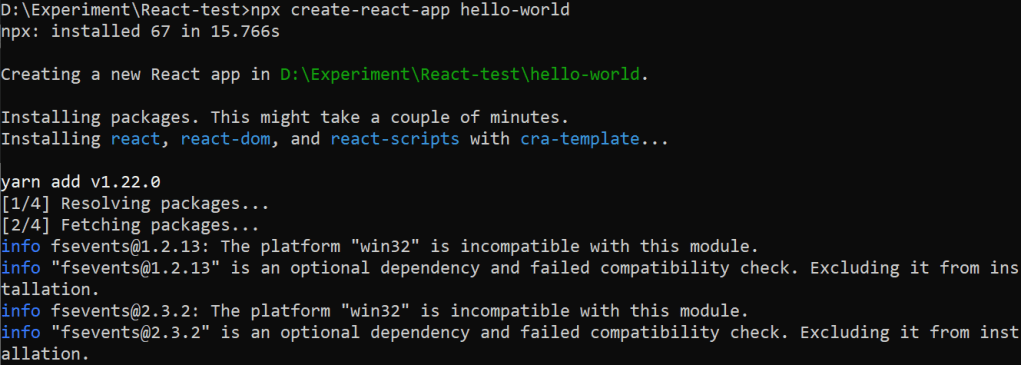
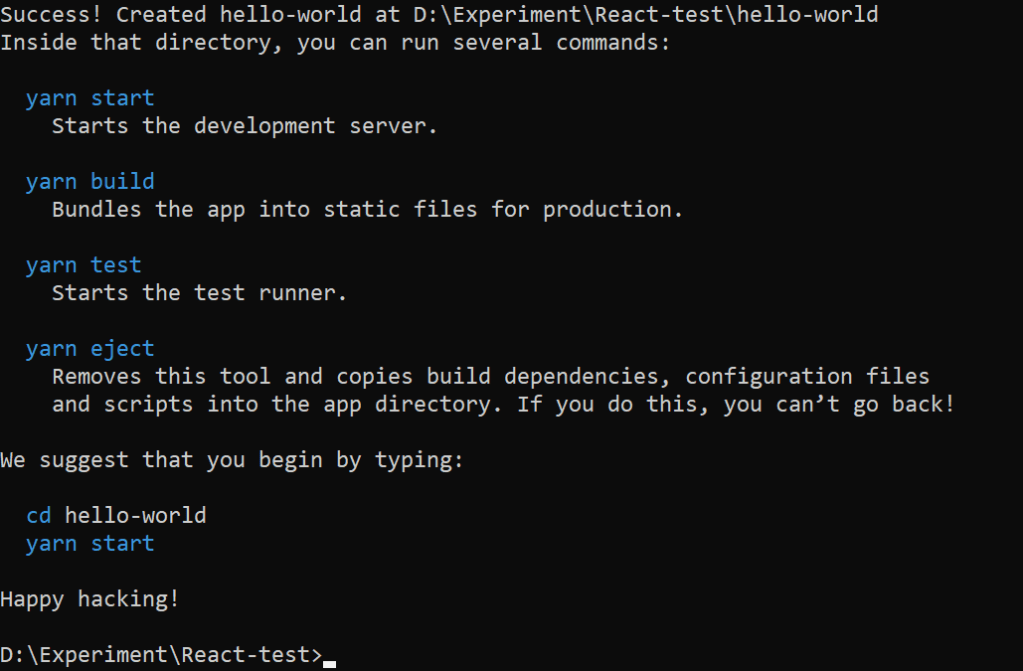
npx create-react-app hello-world
cd hello-world
npm start
Building a high-quality Progressive Web App has incredible benefits, making it easy to delight your users, grow engagement and increase conversions.
Worthy of being on the home screen
Work reliably, no matter the network conditions
Increased engagement
Improved conversions
Worthy of being on the home screen
Is an app worthy to present in our home screen?
We need following qualities to answer YES for this question.
Reliable
Fast
Engaging
When the Progressive Web App criteria are met, Chrome prompts users to add the Progressive Web App to their home screen.
Actually, we use service workers to trigger installable shortcut based on our needs. Lets say, we are targeting only the mobile based users to install our PWA in their devices. We can detect the device based on browser and then we can prompt the user to install PWA apps.
Work reliably, no matter the network conditions
We have to handle various network conditions in PWA to meet the reliability.
The various connection modes are
Perfect
Slow
Lie-Fi
Offline
Increased Engagement
Web push notification helping a lot to provide the feel of native apps to keep the user engaged. And keeping the user more engaged once they visited the PWA application.
Improved conversions
The ability to deliver amazing experience without any distraction. Once the user started to use the application in dedicated window, it feels like native apps and there is less chance to jump to between other application similar to switching tabs in browser.
Lighthouse
Lighthouse, an open-source, automated tool for improving the quality of your Progressive Web Apps, eliminates much of the manual testing that was previously required. You can even use Lighthouse in continuous integration systems to catch regressions.
PWA Checklist
Lighthouse provides an chrome extension which provide helpful checklist that can be used to track of features of PWA.
Advantage of PWA over Native Apps
In the native application, the upgrade process is tedious or complex based on structure.
We need think of migration and data integrity, and we don’t have control at certain extent.
But in a PWA, we have control to all updates or upgrades to application. We can provide wide range of security fixes, bug fixes without any hesitation.
When we have SaaS platform application, PWA is the right combination of website with native application feel. User won’t have to worry about the upgrade scenarios. The developers will take of everything.
Popular Realtime Progressive Web Apps
There are plenty of popular websites converted their website into PWA to engaged more with their audience.
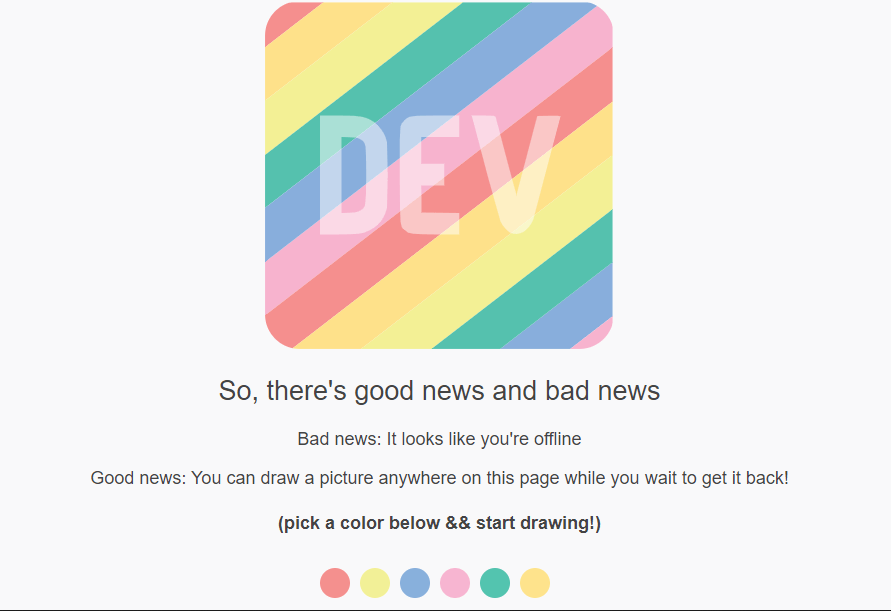
Dev.to
Dev.to is blogging or social forum where programmers share ideas and help each other grow.
They are displaying following canvas to users whenever the internet goes down. The user can paint in the meantime when the internet is trying to reconnect.
This has been achieved with the power of Progressive Web Apps.
Spotify
The popular music giant application which has large number of user base.
With all these things going on, it looked like Spotify was unable to resist the temptation and joined the race with their own version of Spotify PWA, despite having their own desktop app.
Your background colors are now adaptable to your needs as you progress through the PWA, making your experience more personalized and unique—as a music player should be.
Ola cabs
In the competitive ola cabs did the trick and leads the market over Uber by using PWA.
During installation time native apps (Apps from play store or Apple store), you can just open Ola cabs PWA and book your ride within.
You can save your mobile data and works well in unstable 3G network as well.
Sounds like a master plan.
Swiggy
Swiggy is an online food ordering app. It leads the market over Zomato by having adaptive screen in mobile devices.
Even though you have poor mobile network, the PWA works out of box and serves you the perfect needs of the user.
Can you spot difference between native app and Progressive Web App?
And lazy loading and service workers helps the website to load only required content instead downloading whole assets files.
Even though Swiggy and Zomato is popular in India. User feels Zomato is providing more offers than Swiggy.
Because they didn’t proper user engagement and mobile app user retention.
That’s the place Zomato losing the market with Swiggy (Based on my personal experience, I’m mentioning these point; not to offend anyone)
As a user of 2+ years in both apps, I prefer PWA app whenever I needed.
Pinterest
Pinterest – Infinite scrolling – never ending image social media
The design of this application itself makes the application user to stay for long time.
You would feel the difference between native app and web app (and also PWA)
Twitter
The popular social media which lets the people to write shorter and makes PWA to use the mobile data also shorter.
The following figure shows the application of Twitter client in various medium.
Take Away
We have seen various aspects of Progressive Web Apps. And the popular web application which uses the power of PWA to engage more with the user base. Do you think its worth to give a try and convert your web application into PWA?
Leave your replies in comment section below.
In the next blog, we can see the approaches to turn the Web Application into Progressive Web Apps (PWA).





 Efficient User