The Five Dysfunctions of a Team

The Five Dysfunctions of a Team

by  Patrick Lencioni

Recently, I have read the book. The book explores the important key notes of managing a Team in the corporate world. People who are interested to read books under Leadership tag should definitely read this book.

The storytelling way of author discusses the failure of an successful team, and politics happening in the office with various characters in the story.

The 5 Dysfucnctions discussed in the book are

  • Absence of trust—unwilling to be vulnerable within the group
  • Fear of conflict—seeking artificial harmony over constructive passionate debate
  • Lack of commitment—feigning buy-in for group decisions creates ambiguity throughout the organization
  • Avoidance of accountability—ducking the responsibility to call peers on counterproductive behavior which sets low standards
  • Inattention to results—focusing on personal success, status and ego before team success

5 dysfunction


Happy reading 🙂


Setting Elasticsearch Heap Size in Windows

Elasticsearch has an option to configure the memory which is used by elasticsearch java process.

The memory can be configured using various Environmental Variables.

The default Heap Size of an elasticsearch process in 1gb. The ES_HEAP_SIZE environment variable allows setting the heap memory that will be allocated to elasticsearch java process.

We can set Environment Variable as follows

ES_HEAP_SIZE
4g


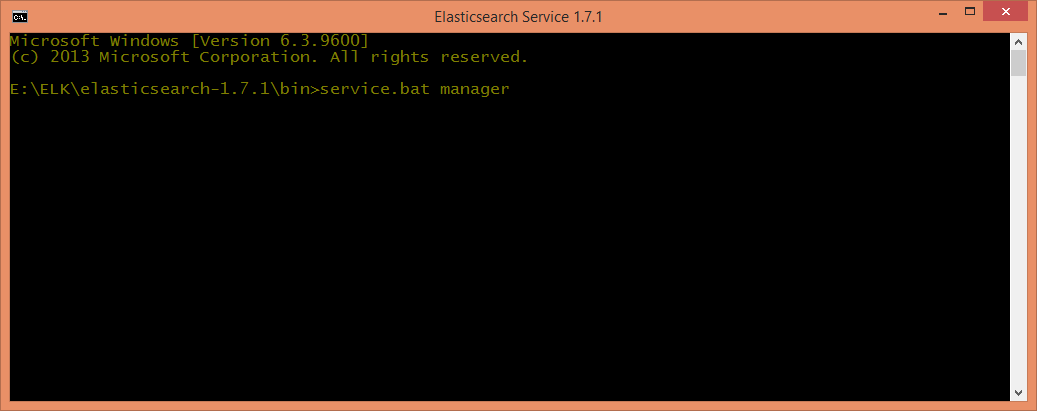
We can check allocated memory using service manager of elasticsearch as follows

cmd


manager


And another option is to lock the process address space into RAM, preventing any Elasticsearch memory from being swapped out by configuring as follows in Elasticsearch configuration file (config/elasticsearch.yml)

bootstrap.mlockall: true


We can check whether settings are applied to the nodes or not by using any one of the following commands

curl http://localhost:9200/_nodes/process?pretty
GET /_nodes/process?pretty
If we receive mlockall is false by running above commands, then it means that the mlockall request has failed.
Explore data using Elastic 🙂
Note:
Note that the environment configuration options available during the installation are copied and will be used during the service life cycle. This means any changes made to them after the installation will not be picked up unless the service is reinstalled.

Elasticsearch is having some minor issue in locking the memory(using Virtual lock) in Windows OS; there is already an open issue raised in Github repository of elastic.