You might have seen this kind of badges earlier in many GitHub repositories.
It is cool! Most of the popular frameworks or tools using it in their GitHub repo.
Example:
Angular repository
Why Badges?
It provides a long information short!
It can hold information such as
version of npm used
status of last build
number of downloads happen over period of time
license type
How?
Now the question is how can I add it in my GitHub ReadMe file?
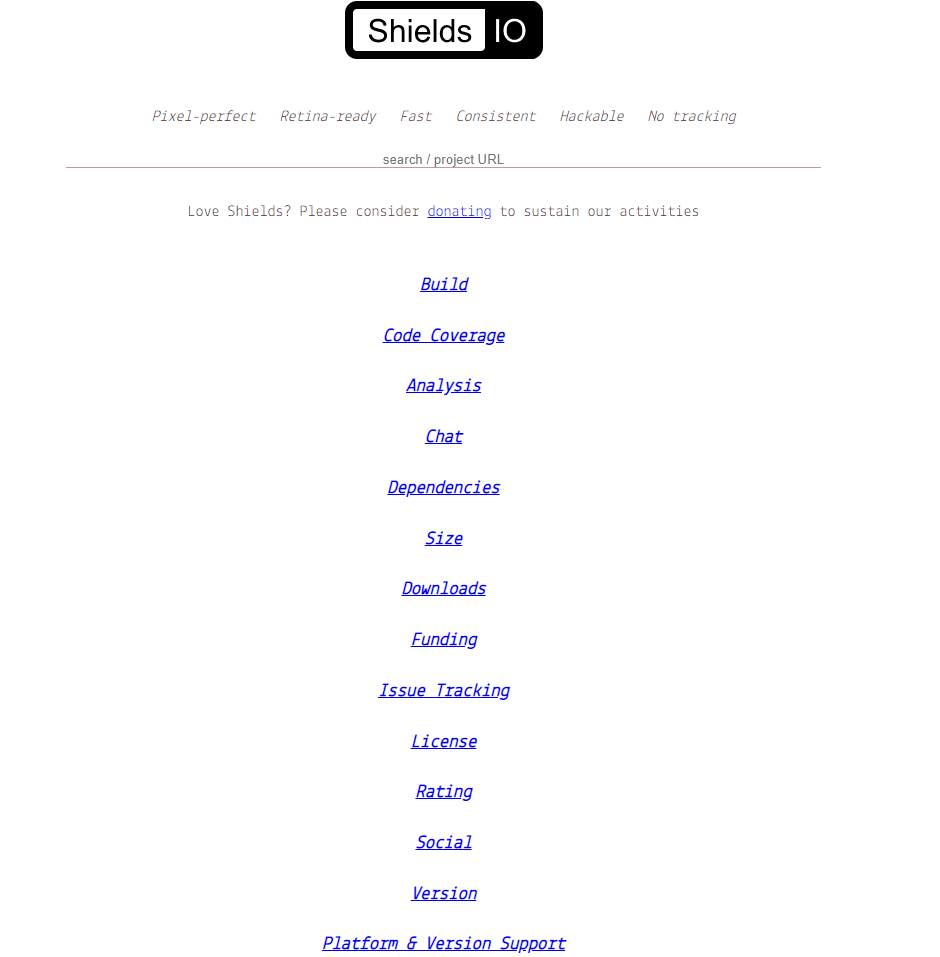
It pretty simple. All you have to go https://shields.io/ and create badges right away.
Basically a badge will contains small information of our repo. It can be building process status, or social media handle link.
Shields provides support for various badges like below
Lets say I want to create a follow badge for my twitter handle. It can be done quickly like this.
I can copy as HTML, MarkDown, etc.
For this blog I copied as HTML and pasted below.
Quick view
I have published a npm plugin. I have setup the CI/CD for it. So whenever I commit my changes it will automatically deploy my packages to npm registry.
And also I wants to keep a track of how many downloads happening. So I added badges for those metrics in my repo.
We all came across this kind of feature – copy to clipboard.
Basically, the aim of this feature is to help the end user to quickly copy some text to clipboard. Instead of selecting particular text and clicking keyboard shortcut for copying text, some websites will provide us a icon to simplify the task.
Once we click that icon or button, the required text will get copy into the clipboard.
Pro Tip: Angular 9 brings separate module for clipboard feature. You can checkout it here.
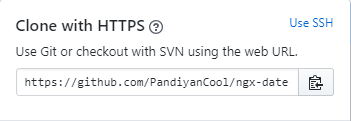
I used copy to clipboard option most of the time in Github,
And that’s the base story.
Why?
Few months back, I was supposed to implement the same feature in one of my angular application.
I’m aware that how to do this feature in plain JavaScript. The typical copy function will look like the below snippet
But I hesitated to follow the same structure.
Analyzed existing npm packages
I have gone through various npm packages for copy clipboard with following features expectation in mind
Copy icon should get automatically created
Selection & Copy function should be generic
The code should reused and light weight
Minimal effort to implement
Most of the npm plugins available didn’t fulfilled my expectation.
The popular plugin expected the developer to create and pass the text which needs to copied to the copy to clipboard function.
For me, this looks weird!
If a paragraph is having 100 lines, sending those entire text to a plugin doesn’t make sense to me. So I decided to create a angular directive based on my expectation.
Later, I published it as a separate npm package. And the package name is
Once you have published your library to npm, you can import your library in any Angular application by running:
$ npm install angular-clipboard-auto
and then from your Angular AppModule:
import { BrowserModule } from '@angular/platform-browser';
import { NgModule } from '@angular/core';

import { AppComponent } from './app.component';

// Import your library
import { ClipboardModule } from 'angular-clipboard-auto';

@NgModule({
  declarations: [
    AppComponent
  ],
  imports: [
    BrowserModule,

    // Specify your library as an import
    ClipboardModule
  ],
  providers: [],
  bootstrap: [AppComponent]
})
export class AppModule { }
Once your library is imported, you can use its components, directives and pipes in your Angular application:
<!-- You can now use your library component in app.component.html -->

<!-- Add attribute appCopy in your html code -->

<input appCopy type="text" #text1 value="hello world">

<!-- And refer font awesome in your index.html to view copy symbol -->

<link href="https://stackpath.bootstrapcdn.com/font-awesome/4.7.0/css/font-awesome.min.css" rel="stylesheet" crossorigin="anonymous">
That’s it!
TLTR;
All we have to do is
Add appCopy as attribute in text field HTML
Import fontawesome css
The copy icon will automatically get created next to your input field and you can use the feature right away.
The npm package will take care of all the background task seamlessly.
And also you can find the working copy of angular application in following path







 Efficient User